Selling at the counter: scan, tender and print in seconds
A sale is a scan or a SKU on the keypad, a customer if there is one, and a tender. The terminal drives the card reader and prints or sends the receipt.
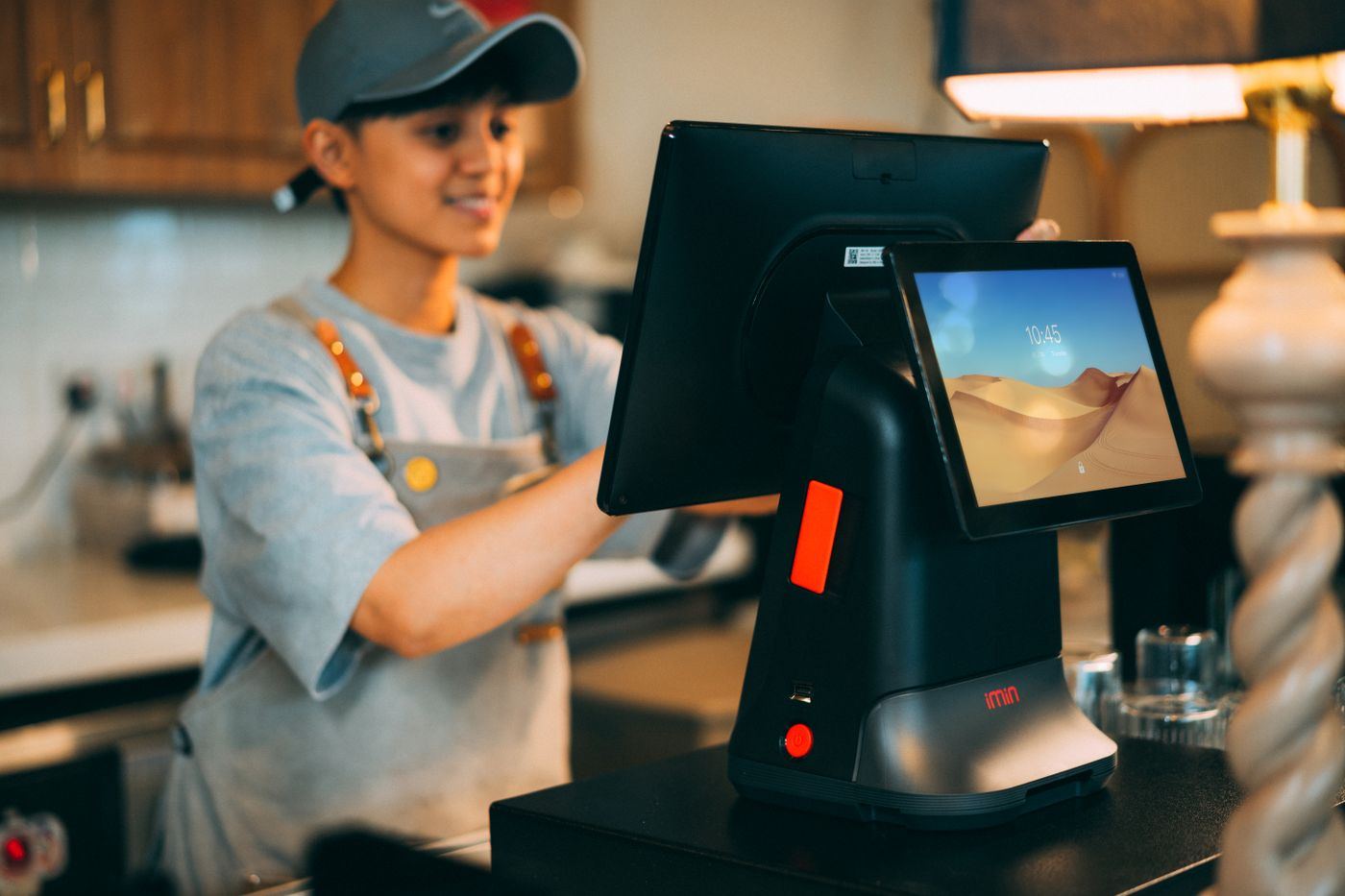
Scan, key and sell
Barcode scan, SKU lookup and a quick-entry keypad on one screen. The terminal holds the catalogue and prices, so a sale never waits on the network.
- Barcode scan and SKU lookup
- A quick-entry keypad
- Exact and quick-amount tenders
The customer display
A second screen faces the customer: every line as it is rung up, the customer's name and tier when a member is attached, the promotions running, and the total.
- Line by line, with quantity, price and total
- Member name and tier, and the promotions that apply
- Subtotal, discount, tax and the amount to pay
Holds, returns and voids
Discounts, holds, split tenders, returns and voids, each with a reason on record.
Receipts
Printed or sent, with the receipt ready to become a MyInvois e-invoice on the customer's request.



See it on your own counters
Send us the outlet list, the terminal count and the tenders you take. An engineer replies with a rollout plan, a terminal list and a proposal.